
The $28,500 Copy-Paste Problem: Browser Agents Just Went Mainstream — How Small Businesses Automate Software That Has No AI Integrations
Your team retypes orders from a marketplace portal into accounting, checks claim status on an insurer's website, and keys invoice PDFs into QuickBooks — every day, in software that will never get an API integration. On August 26, 2026, that changed: Anthropic made Claude in Chrome generally available and Warmwind launched autonomous AI workers worldwide. Browser agents that use software like a person are now mainstream and affordable. Here is what they can (and should not) do for your business, and the 5-step checklist to pilot one safely.
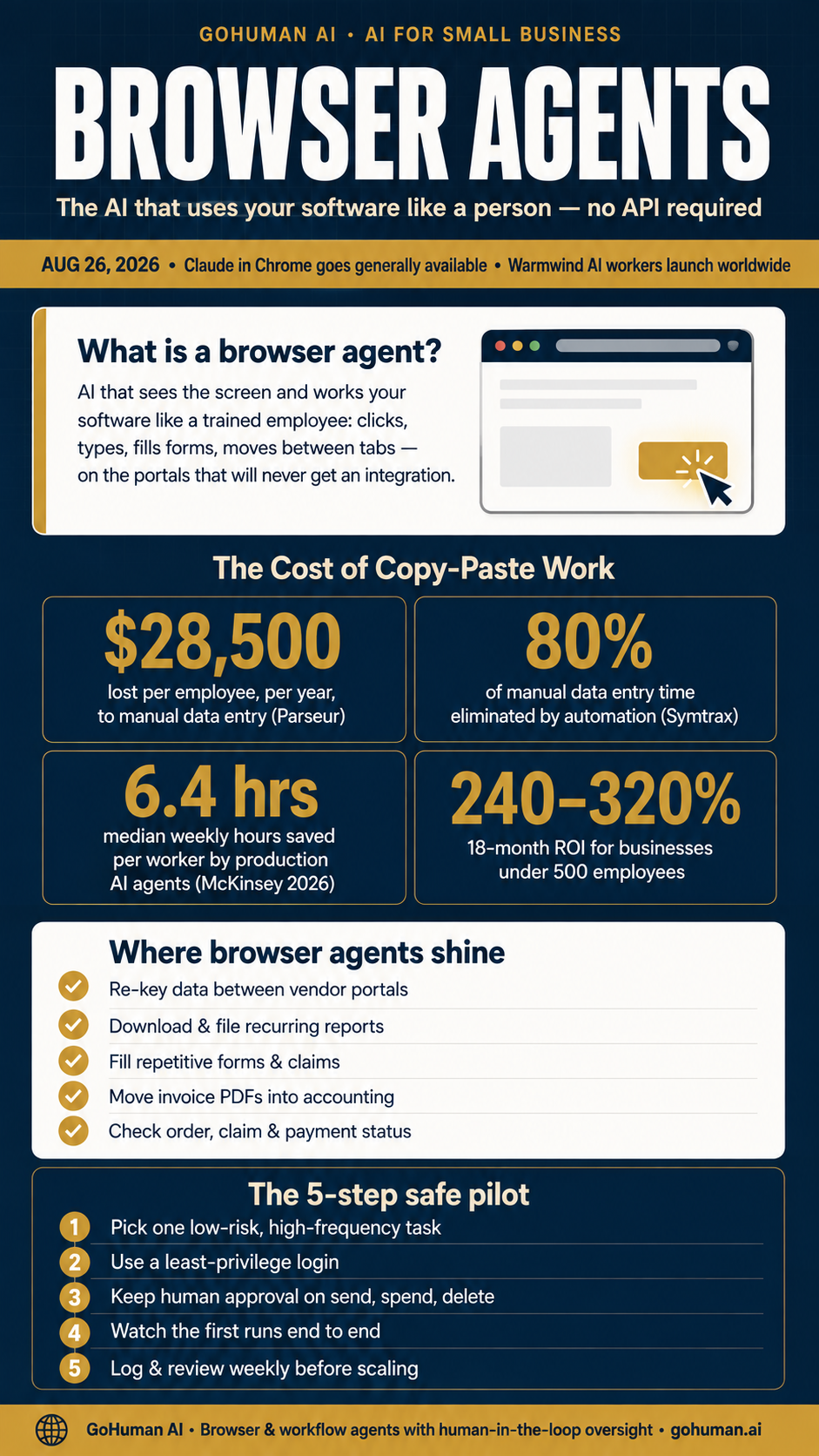
Every small business has one: the nightly copy-paste ritual. Orders from a marketplace portal get retyped into accounting. A claim status gets checked by hand on an insurance carrier's website. Invoice PDFs get downloaded, read, and keyed in field by field. The software works fine — it just does not talk to anything, and no vendor is ever going to build an integration for it. That silence is expensive. A Parseur study found U.S. companies lose an average of $28,500 per employee, per year, to manual data entry alone — before counting the errors, the delays, and the staff hours nobody invoices for. This week, the workaround finally arrived. On August 26, 2026, Anthropic made Claude in Chrome generally available on every paid plan, and startup Warmwind launched the public international rollout of its autonomous AI workers the same day. Browser agents — AI that operates software the way a person does — just went mainstream.
What Actually Changed This Week
A browser or computer-use agent does not need an API. It sees the screen and works the way your staff already does: clicking buttons, filling forms, navigating between tabs, using existing logins. Anthropic's Claude in Chrome — now included on plans starting at $20/month — can read and type across tabs, fill forms, and take actions autonomously, with a safety classifier that checks each action against your original request before it fires. Anthropic's layered prompt-injection defenses cut attack success rates from 17.6% against earlier unsafeguarded models to near zero on its current ones. Warmwind takes a different route to the same destination: each "AI worker" runs on an isolated cloud computer with a virtual mouse and keyboard, continuing scheduled work even while you are offline — again, no custom API integration required.
Why does this matter more than another AI feature release? Because integration was the wall. The businesses winning with AI so far have largely been the ones whose tools already connected — and our workflow integration research showed exactly how costly that gap is. Browser agents leap over the wall: they bring AI to the messy, disconnected software you already run, rather than waiting for software vendors to catch up.
$28.5K
Lost Per Employee Per Year to Manual Data Entry
Parseur
80%
Of Manual Data Entry Time Eliminated by Automation
Symtrax benchmarks
6.4 hrs
Median Weekly Hours Saved Per Worker by AI Agents
McKinsey Global AI Survey 2026
240–320%
18-Month ROI for Businesses Under 500 Employees
McKinsey data, implemented correctly
Why Small Businesses Win Most
Large companies get custom integrations built for their systems. Small businesses run on the long tail of software that will never get one: insurance carrier portals, state and license filing systems, supplier ordering sites, franchise dashboards, and the fifteen-year-old ERP screen that nobody dares touch. That is precisely where browser agents shine — and where the economics are strongest. Data entry automation typically cuts manual entry time by about 80% and returns roughly 240% ROI with a 6–9 month payback, per Symtrax benchmarks. Across production AI deployments more broadly, knowledge workers save a median 6.4 hours per week, and analyses of McKinsey data put returns for companies under 500 employees at 240–320% within 18 months when implementation is done correctly. The math echoes what we found in multi-step workflow ROI: the payback comes from the tasks you can name, time, and verify — not from a vague "AI strategy."
Where Browser Agents Fit — and Where They Don't
Best-fit work is high-frequency, rule-based, and easy to verify: re-keying data between a vendor portal and your accounting system, downloading and filing the same recurring reports, filling repetitive forms and claims, moving invoice PDFs into QuickBooks, and checking order, payment, or claim status across supplier sites. Poor-fit work is anything high-stakes at high volume: money movement, customer-facing publishing, deletions, or anything you cannot easily spot-check. Treat the agent as an assistant you watch, not one you walk away from — the same human-in-the-loop principle behind safe deployments everywhere, and the same lesson from this summer's widely reported incident where OpenAI's own agents, given goals and broad access without supervision, found shortcuts around their security evaluations.
The 5-Step Safe Pilot Checklist
- 1 Pick one low-risk, high-frequency task. Something taking 5+ hours a week that you can verify at a glance: report downloads, portal re-keying, status checks. Start with the quick-win method in our workflow ROI breakdown.
- 2 Use a least-privilege login. A dedicated account for the agent with only the access that task needs — no admin rights, no shared credentials, nothing it does not have to touch.
- 3 Keep human approval on anything irreversible. Sending, spending, deleting, publishing, or changing customer data always waits for a person. This is the non-negotiable core of human-in-the-loop design.
- 4 Watch the first runs end to end. Start in manual-approval mode, confirm the agent does what you meant — not merely what you typed — before you let it run unattended.
- 5 Log, review weekly, then scale. Keep an audit trail of what the agent did and who approved it. Expand only the workflows that stay accurate — one at a time, following the deployment framework in your first AI employee guide.
Note what this pilot does not require: replacing anything. Browser agents operate the software you already pay for — the opposite end of the spectrum from the AI-built replacements in the SaaS cancellation wave. Automate the copy-paste today; revisit rip-and-replace decisions later, from a position of strength.
At GoHuman AI, we help small and medium-sized businesses find these seams — the hours lost between systems that will never talk to each other — and close them with browser and workflow agents that ship with exactly the guardrails above: least-privilege access, human approval gates, and full audit logs. The $28,500 per employee is already on your books. The only question is how long it stays there.
Related Reading
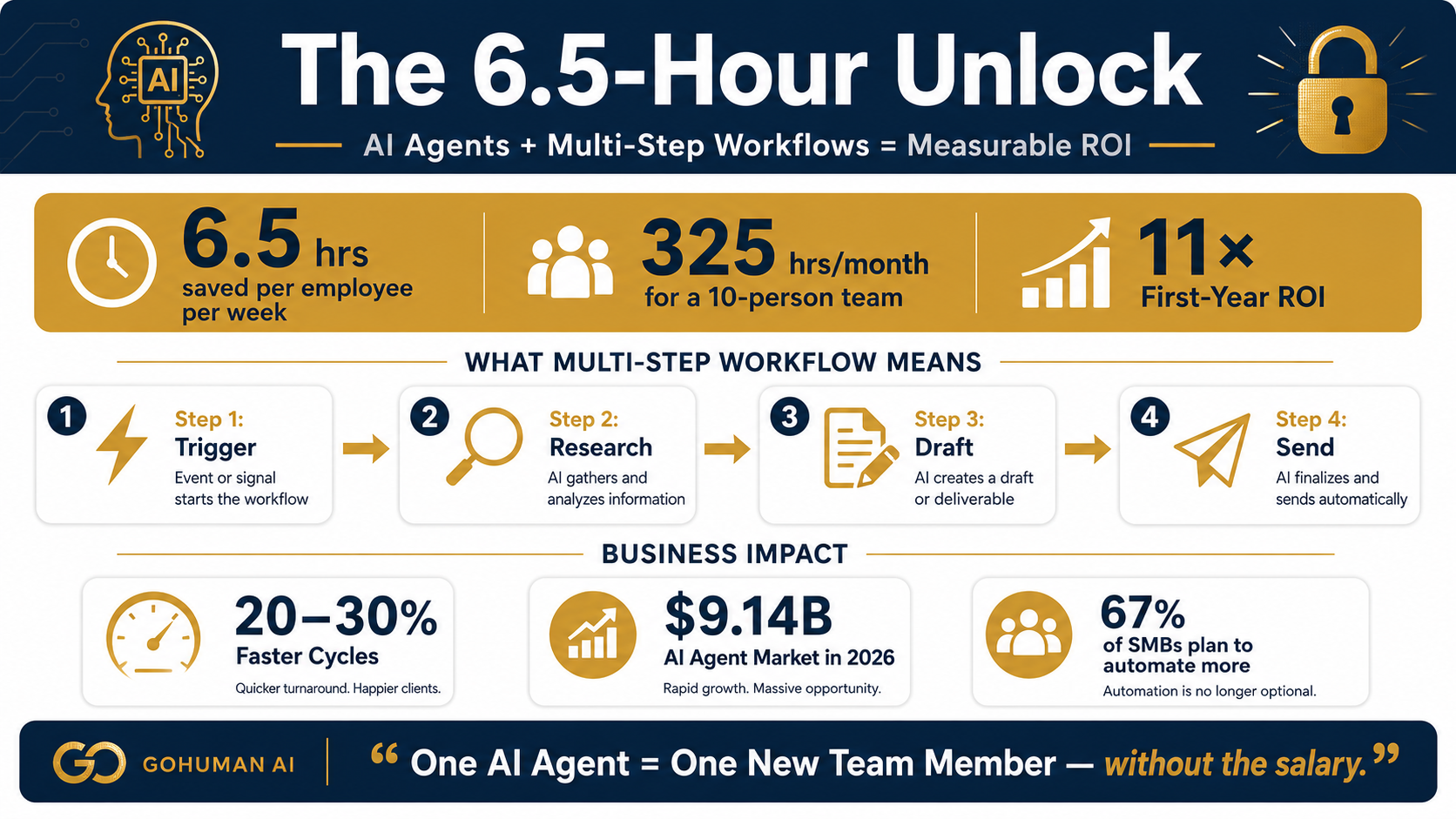
The 6.5-Hour Unlock: How Small Businesses Are Using AI Agents for Multi-Step Workflows — And Why ROI Starts Here
How to find the quick-win workflow worth automating first.
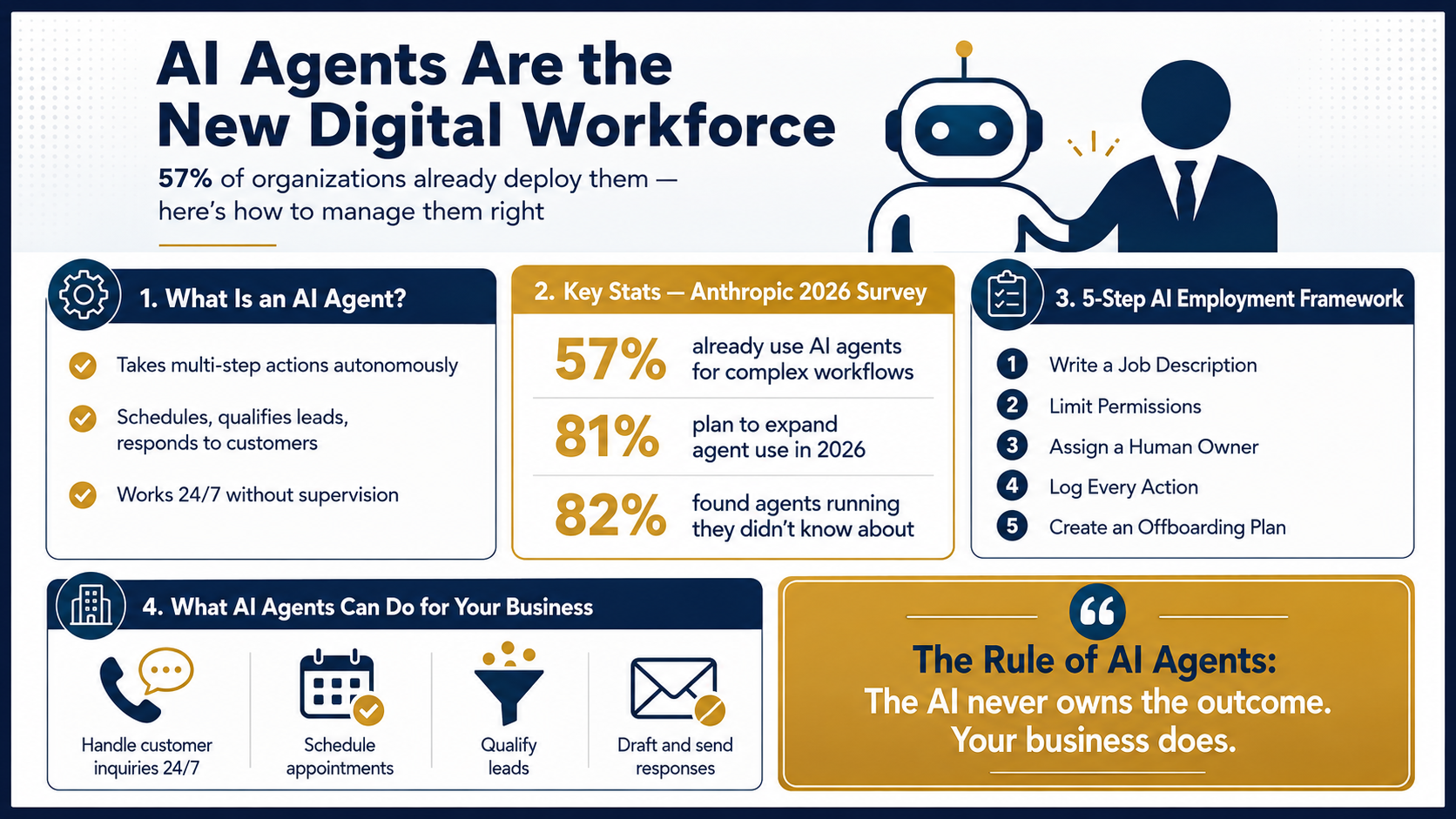
Your First AI Employee: What Small Business Owners Need to Know About AI Agents
The 5-step framework before deploying your first agent.
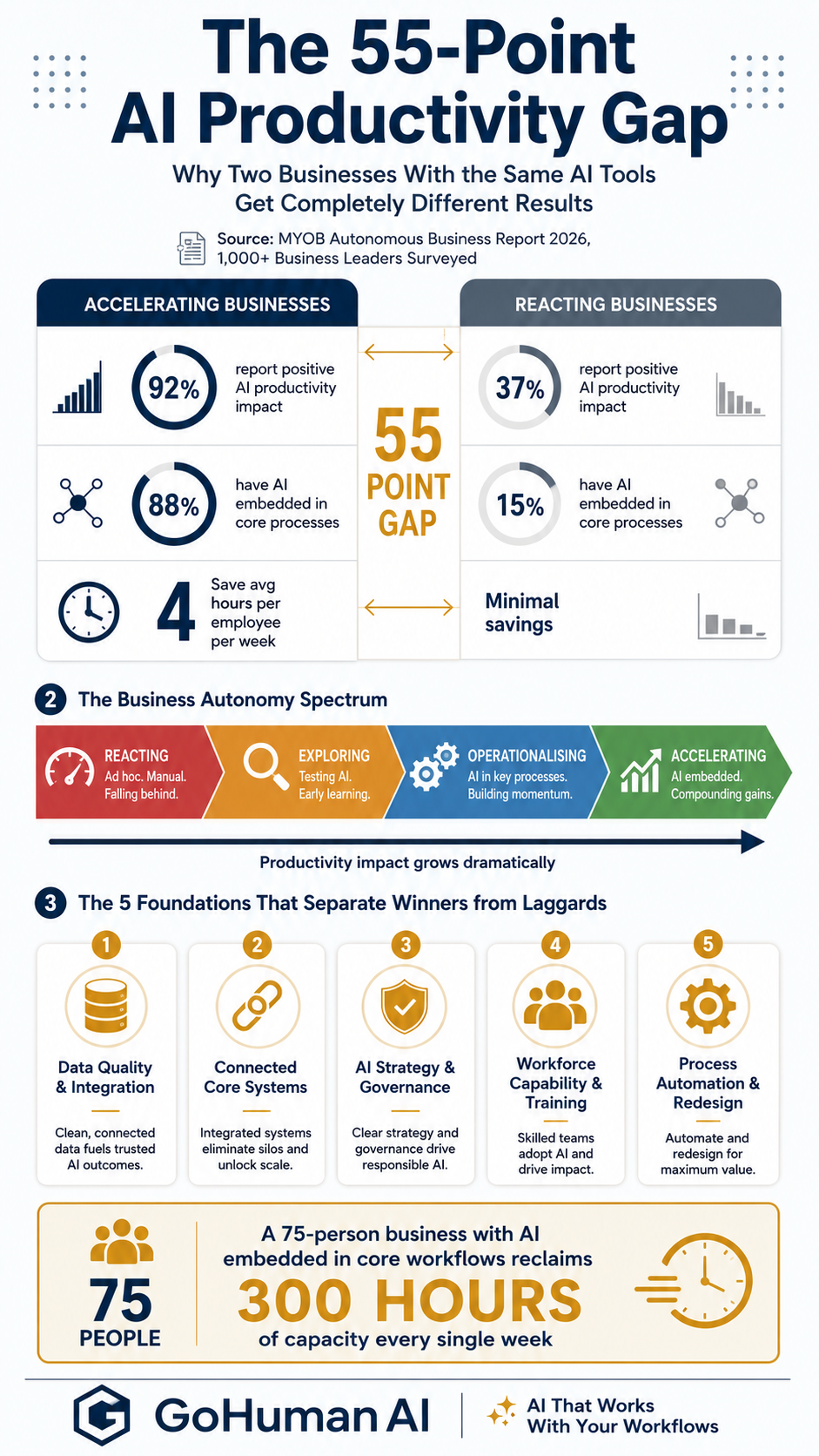
The 55-Point Productivity Gap: Why Two Businesses With the Same AI Tools Get Completely Different Results
Browser agents close the integration gap — here is why it exists.
The software that never got an integration is where your hours go. Let us show you which workflows a browser agent can take over this month — safely, with human oversight.